
Online Banking
Latest News and Updates from Richwood


February 29, 2024
Essential Tax Filing Tips
As the tax deadline approaches, it's time to tackle that ever-important task: filing your tax…
What is Richwood Bank all about?
Our goal is to inspire, protect and celebrate anything that helps communities thrive.


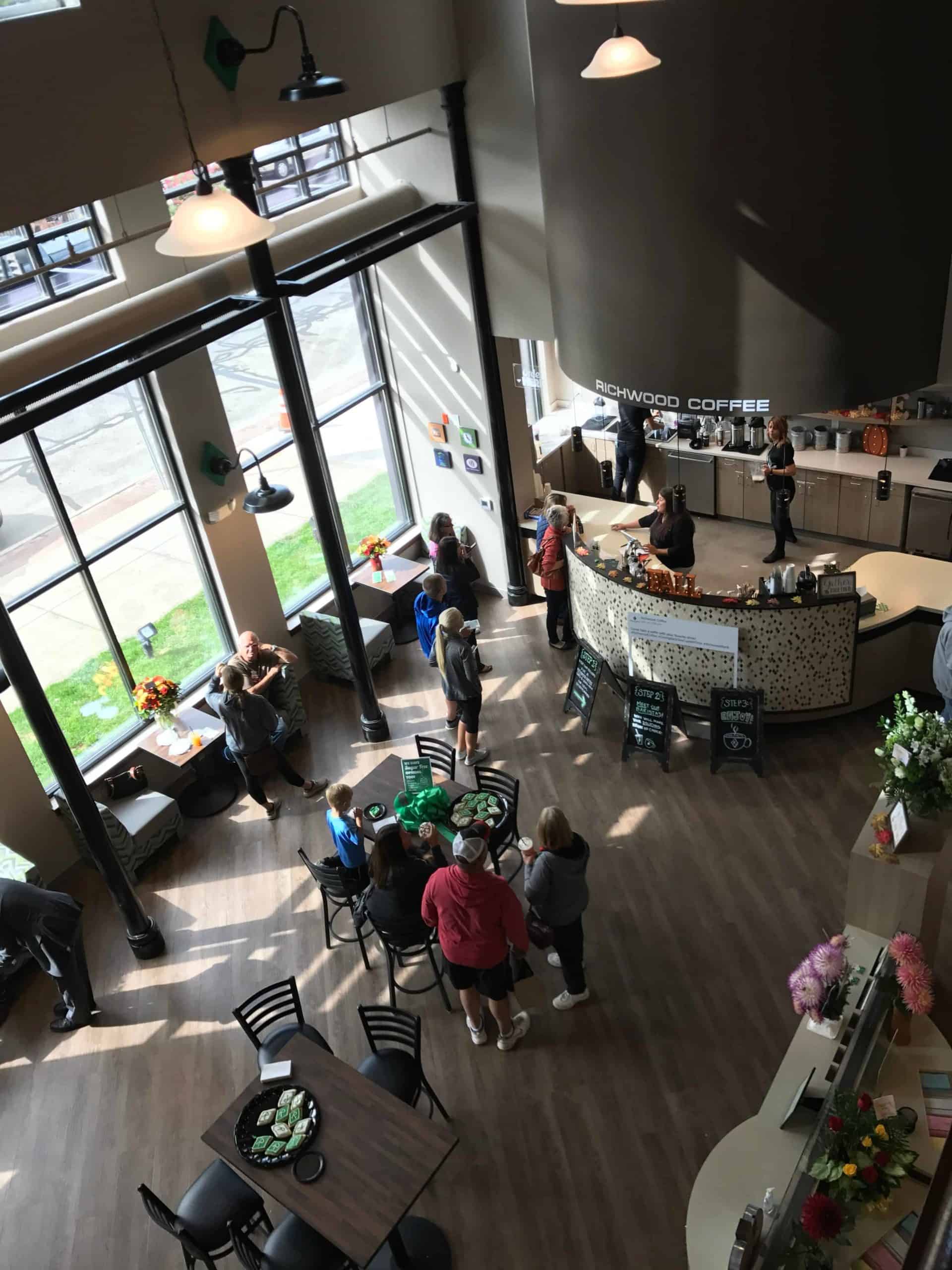
Richwood Bank is, first and foremost, community.
Community
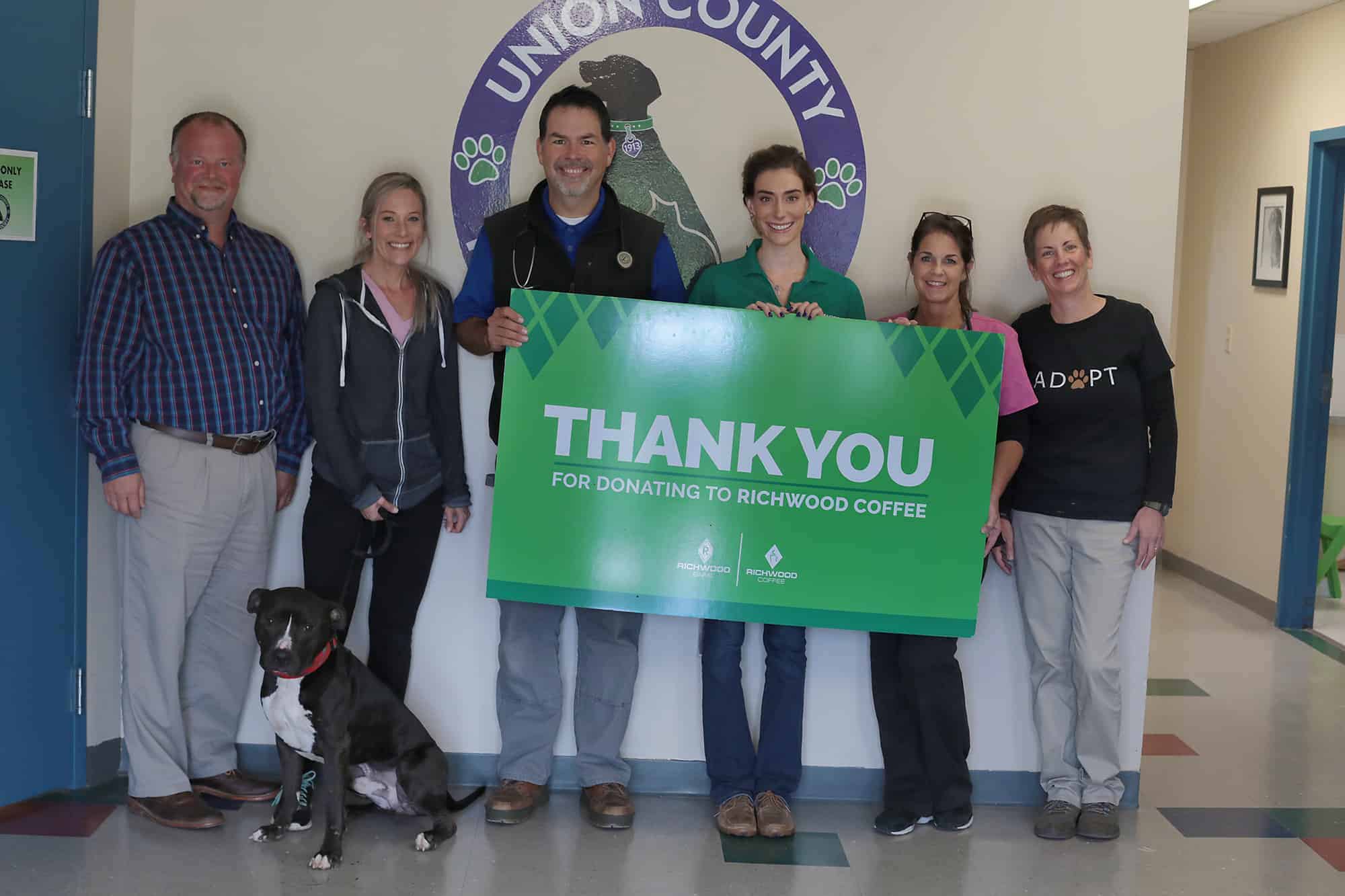
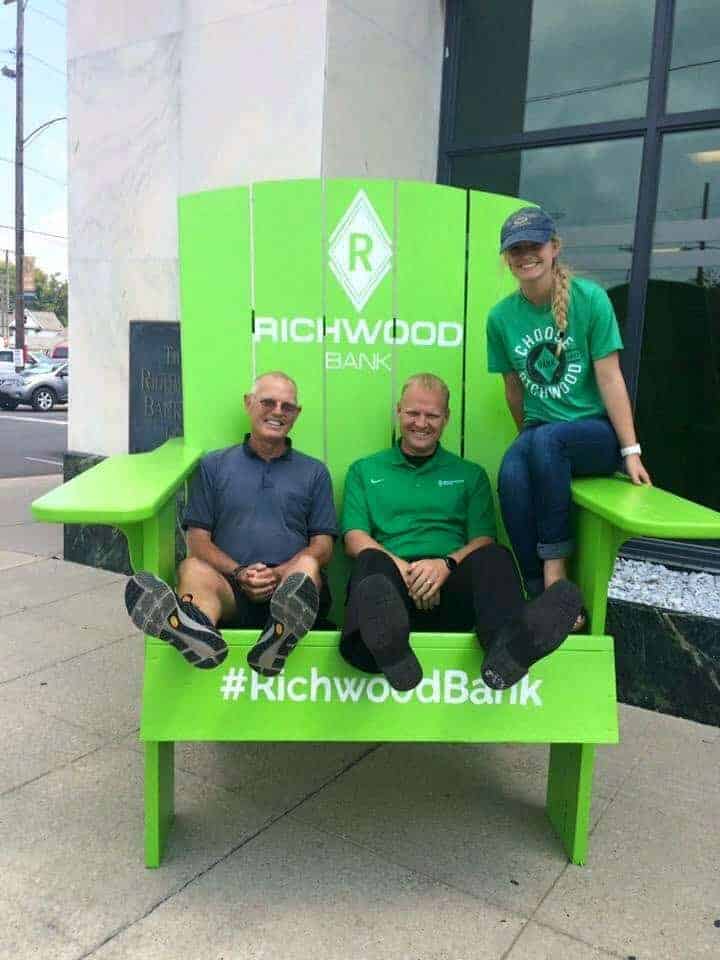
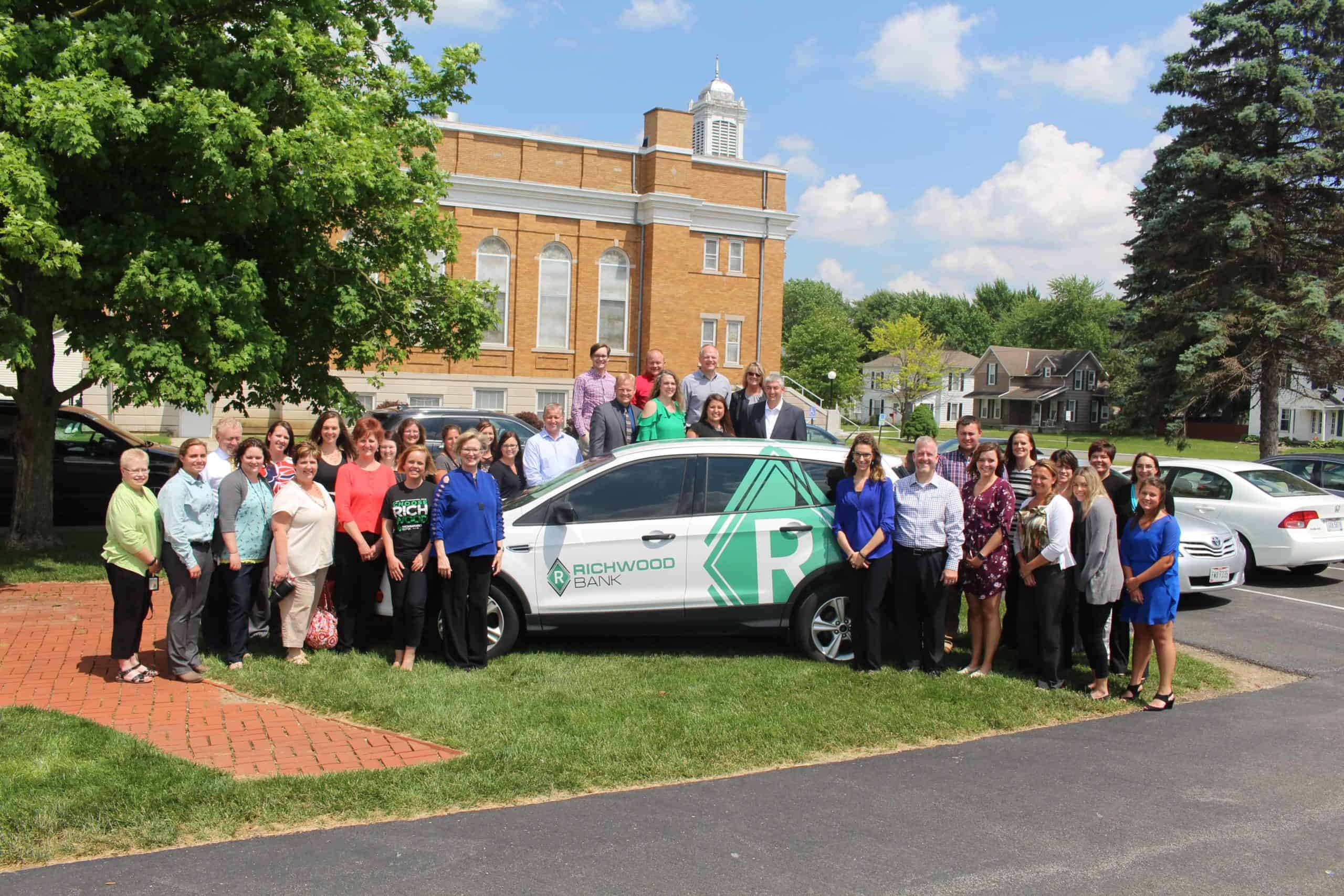
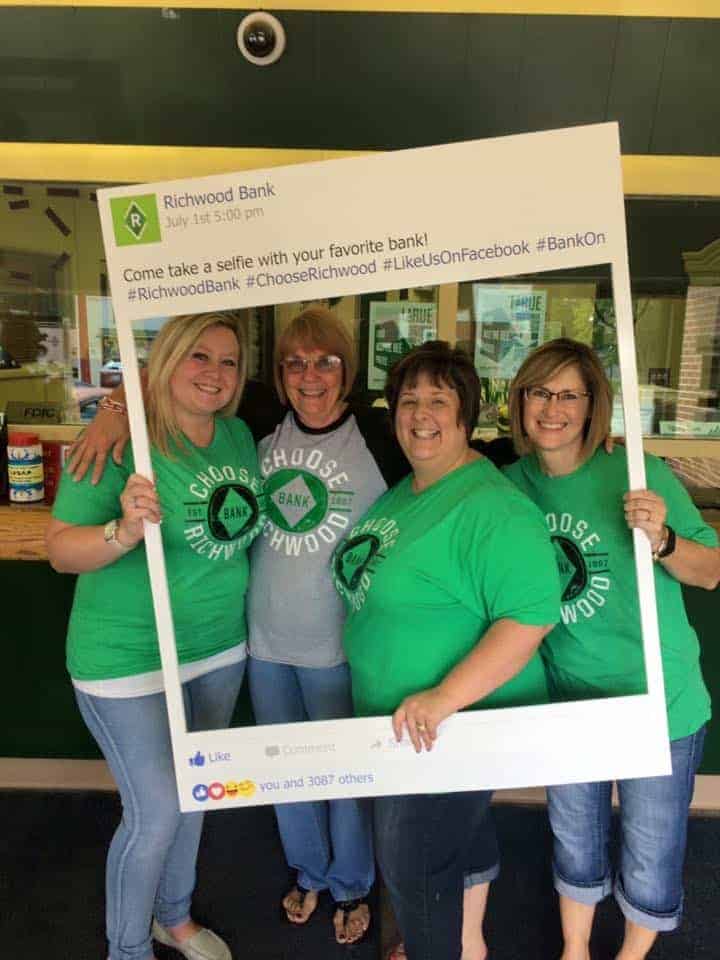
For over 150 years, Richwood Bank has been dedicated to service and our communities. Our goal is to inspire, protect and celebrate anything that helps communities thrive. We strive to build up our communities and provide the financial services, products, and knowledge that allow our families, friends, and neighbors to live fulfilled lives.
Richwood Bank is staffed and run by financial experts.
Experts
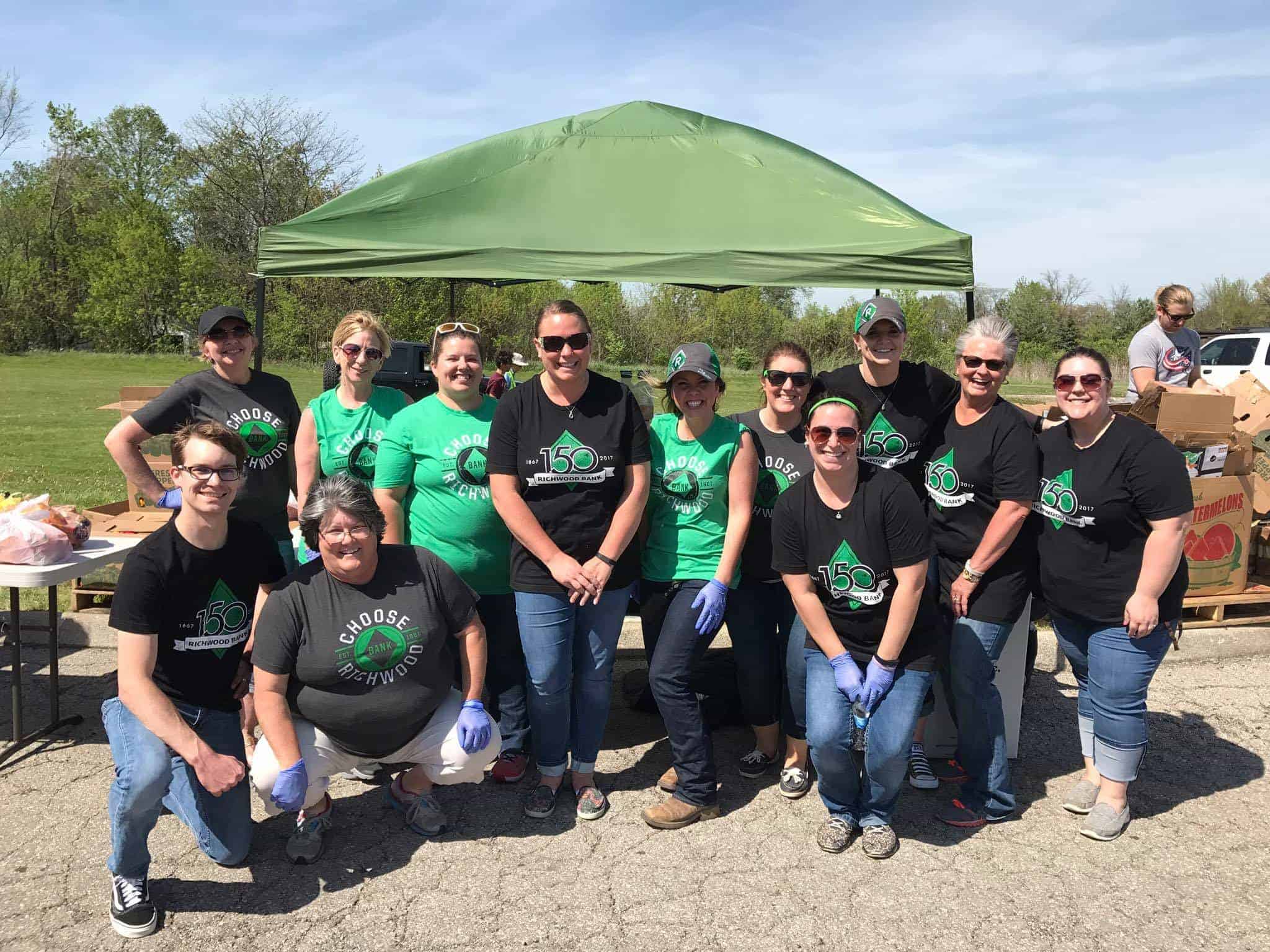
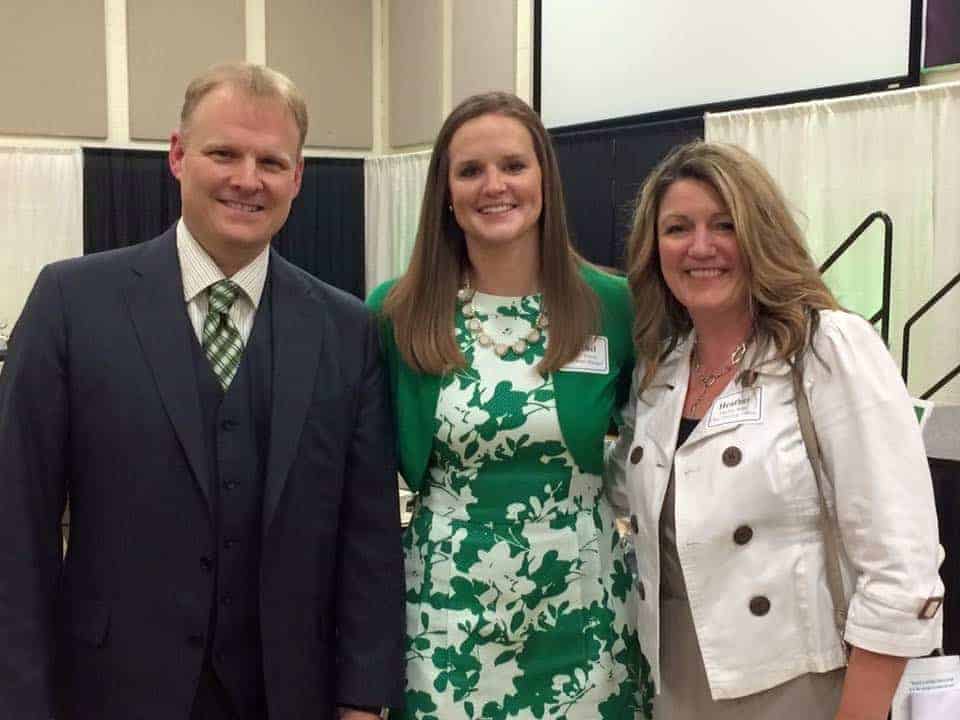
Richwood Bank’s leaders possess both the skill and knowledge gained from education and experience to know what it takes to make the right decisions for the company; from the people we employ to the products we offer our customers. Our unique and innovative approaches to community banking have allowed us to stay relevant and stand out. From checking accounts and coffee, to loans and marketing, Richwood Bank and our employees continue to be change agents.
We put the success of our customers first.
Serving You
We offer a wide variety of services and products that help improve efficiency, protection and convenience for all consumers in all stages of life. Richwood Bank is focused on making sure our customers succeed in their financial goals. Whether you’re a business, individual, or nonprofit, we understand that your financial goals are unique and important. Our products and our people are here for one purpose; to help you achieve your dreams.

Personal Banking
Located right in your community, we’re your financial partner through all of life’s adventures.
From a child’s first savings account, through buying a home, and on into the retirement years, we’re here for you.
Business Banking
We’re committed to being your partner for growth.
Our team of experts are people who genuinely care about you and your business, whether you are a new startup or have been around for decades.
Learn More

Locations
Richwood
28 N Franklin St
Richwood, OH 43344
Plain City
601 W Main St
Plain City, OH 43064
Marysville
250 E Fifth St
Marysville, OH 43040
LaRue
26 S High St
LaRue, OH 43332
Huntsville
4848 Napoleon St
Huntsville, OH 43324
Delaware
1512 W William St
Delaware, OH 43015
Springfield
2454 N Limestone St
Springfield, OH 45503
Springfield Downtown
63 W Main St
Springfield, OH 45502
Bellefontaine
120 East Sandusky Ave.
Bellefontaine, OH 43311